How to Recover a Hacked Roblox Account and Its Causes
G
Goltec
27 Feb 2026 • 17.57
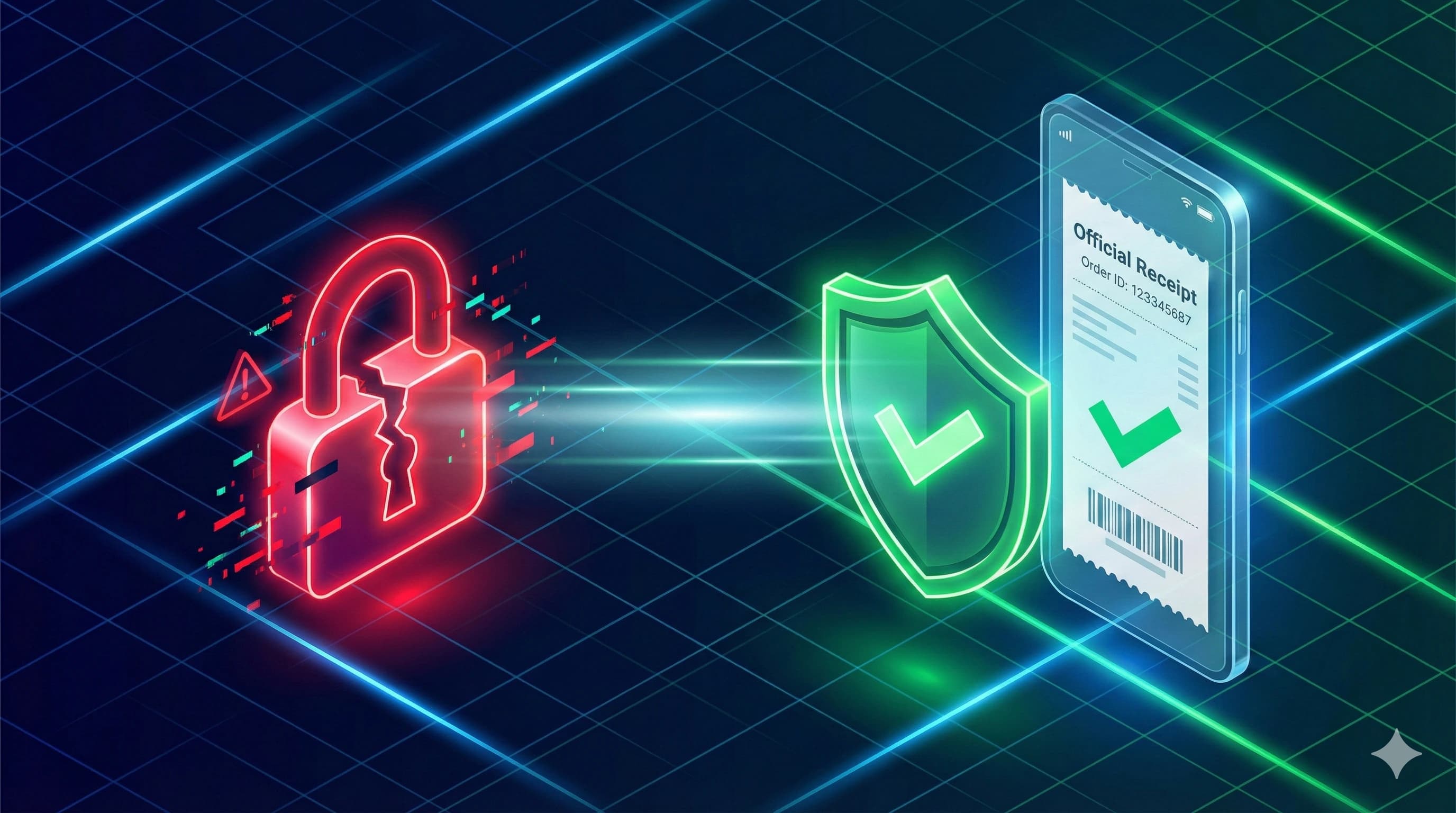
Ever felt your heart drop because your beloved Roblox account suddenly became inaccessible? Password suddenly wrong, Robux gone, or your avatar looking weird? Whoa, there's a high chance your account got hacked!
Losing an account you've built with hard work is definitely a headache. But, don't panic just yet. In this article, we'll break down why your account could get breached and the most effective tricks to get it back.
How Can a Roblox Account Get Hacked? These Are the Main Causes!
Before we discuss how to recover, you must know what gaps are often exploited by hackers. Usually, a Roblox account gets breached because of these trivial things:
- Clicking Phishing Links: Often get weird links in chat or social media promising "Free Robux"? Be careful, those are usually fake sites! Once you enter your username and password there, your data goes straight into the hacker's pocket.
- Sharing Login Info: Never give your password to anyone, even to people claiming to be Roblox admins or your gaming buddies. Official admins will never ask for your password!
- Dodgy Browser Extensions: Avoid installing third-party extensions or apps that promise cheats or free items.
- Weak Passwords & No 2FA: Using a password that's easy to guess like "123456" or your birthdate is super dangerous. Especially if you haven't enabled Two-Step Verification (2FA).
- Buying from untrusted places: Many platforms offer prices that are suspiciously cheap, especially via login methods that promise to access your account directly.
How to Recover a Roblox Account
The only official and safest way to recover your account is directly through the Roblox support service at roblox.com/support.
Here are the recovery steps that are proven to work:
1. Prepare Proof of Top Up
This is a trick many people often miss. The support team needs strong and undeniable proof that you are the original owner of the account. The most valid proof is your purchase or top up history.
Attach a screenshot or receipt of the Robux purchase you've made via Google Play Store or Apple App Store. The receipt usually contains a transaction number (Order ID) or a Google Play transaction code (GPA). Note that you can only use top up proof from similar platforms (Google, Apple, Microsoft, on the Roblox website), which is why you must have topped up at least once.
2. Fill Out the Support Form
Once the proof is ready, follow these steps:
- Open your browser and visit the official page roblox.com/support.
- Fill in the Contact Information with your active username and email. It is highly recommended to use the first email address ever linked to the account so it's easier for the system to verify.
- In the Issue Details section, select the device you use most often to play.
- In the Type of help category section, select "Account Hacked or Can't Log in".
- After that, select the sub-category "Account Hacked".
- In the description column, explain politely (using basic English) that your account was hacked and you cannot login. Provide screenshots of purchases from the Appstore/Playstore/Microsoft/other payment providers or whatever is requested by Roblox via email.
Usually, the Roblox support team will respond via email within 24 to 48 hours. When they ask for proof of payment, reply to that email immediately and attach the screenshot of the Play Store/App Store receipt you have in .jpg or .png format.
Safe & Worry-Free Top Up with Golrox
After your account is successfully recovered and you've enabled extra 2FA protection, make sure you always fulfill your gaming needs in a place that is 100% safe like Golrox!
- Extra Security with Golsecure: Every transaction and your Roblox account on Golrox is protected by the automated Golsecure system.
- Full Refund Guarantee: If there is an issue where an order fails to be delivered from the seller's side, Golrox guarantees a full refund to your Golrox balance.
Make sure you choose the right place to top up. Play safe, top up comfortably, and enjoy the excitement of the Roblox world with Golrox!
FAQ Regarding Roblox Account Recovery and Safe Top Up
How long does the Roblox account recovery process take?
It depends on the type of case. Resetting your own password via recovery email usually finishes in minutes. Recovery via Roblox Support if the recovery email is also lost can take 7-14 business days.
Can I top up Robux on Golrox after the account is recovered?
Yes. Once the account is safe and you've changed your password and enabled 2FA, top ups on Golrox work normally. You only need a username, no password required.
Can Golrox help recover a hacked Roblox account?
No. Roblox account recovery must go through Roblox Support directly because Roblox has access to the account database. Golrox only serves Robux and Gamepass top ups, not account recovery.
Does Golrox provide a delivery guarantee?
Yes. Every order is guaranteed to reach your account. If there is an issue, the Golrox team will investigate or refund.
How to prevent a Roblox account from being hacked again?
Enable 2FA, don't share your password with anyone including friends or top up services, don't click suspicious links, and log out from devices you no longer use.
Also Check Out Options on Golrox
- Top Up 100 Robux starting from Rp10.700, 5-7 day automatic process
- Top Up 1.000 Robux starting from Rp107.000, most frequently purchased
- Instant Robux Top Up arrives in minutes
- See all Robux nominal options from 50 to 22.500 Robux
Membantu?
Share This Article







